
How to enroll at OSU-OKC
How to Enroll
- Go to MY.OKSTATE.EDU Student Portal
- Log In with your O-KEY UsernameandPassword
- Click on the Self Service Icon on the HOME Tab.

- Click on the Student tab
- Click the Registration link
- Click Register for Classes
- Select the Term and click the Continue button
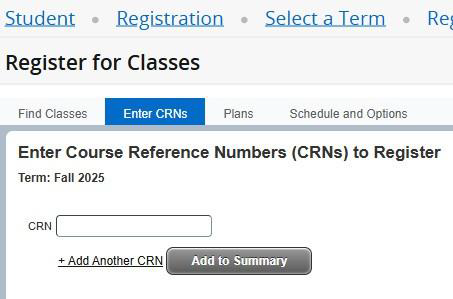
- If you have the Course Reference Numbers(CRNs), you can type them in the boxes, and click Submit.
Add Classes By Plan
- Follow steps 1-6 and access Register for Classes.
- Click the PLANS tab.
- Select the plan you would like to add.
- Click the ADD ALL button on the top right.
- Classes can be added individually by clicking the ADD button beside each course.
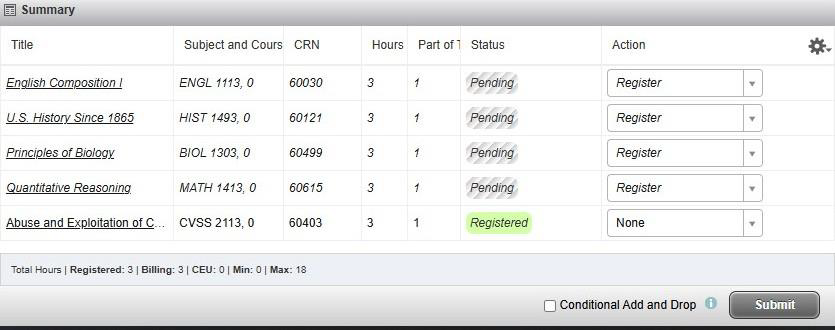
- Click the Submit button on the bottom right corner of the Summary Box.
- Enrolled classes should appear as Resistered.
- Classes can be added individually by clicking the ADD button beside each course.
- Click the ADD ALL button on the top right.
For questions or assistance enrolling, contact your academic advisor.